All-hands without Zoom fatigue.
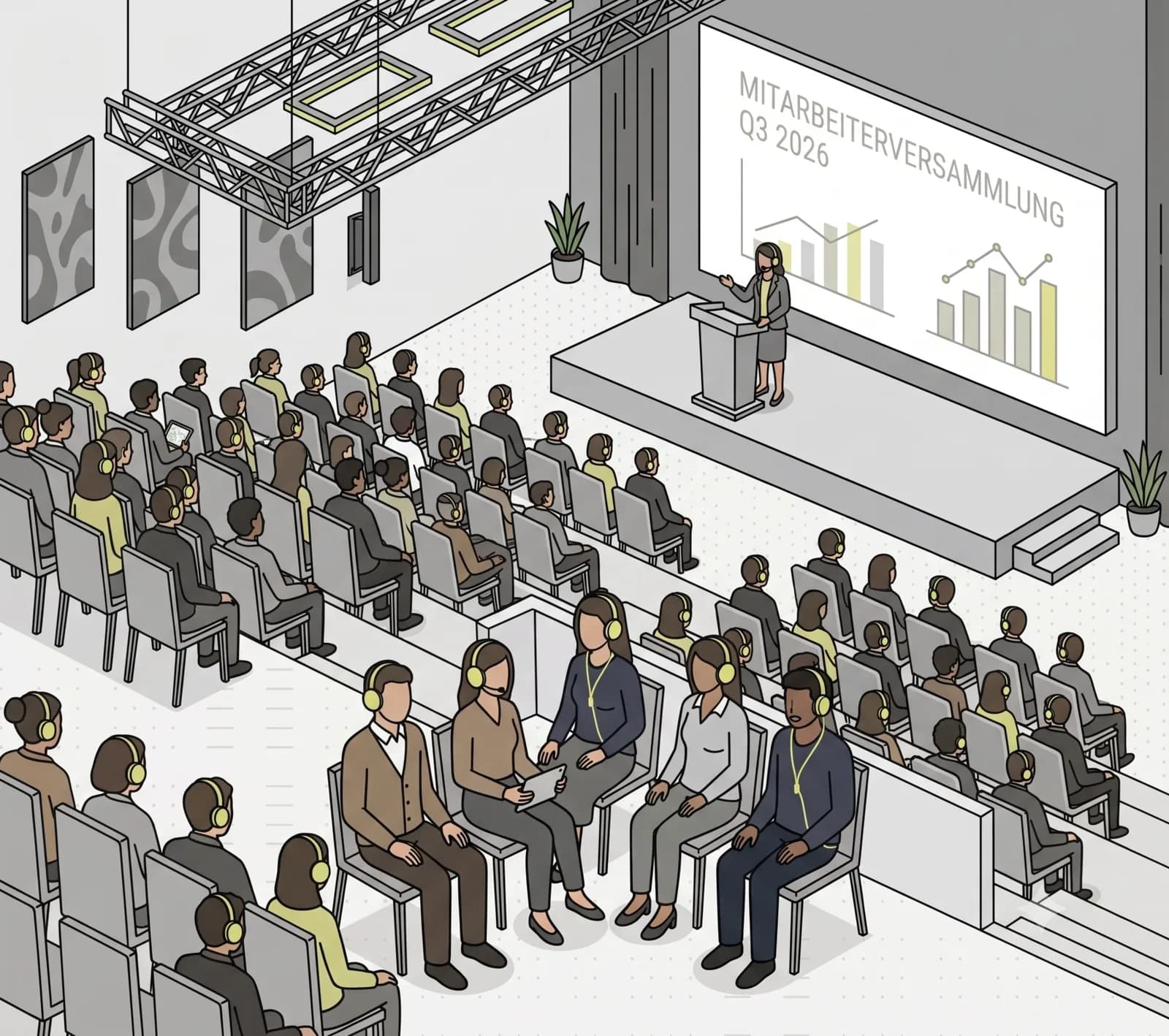
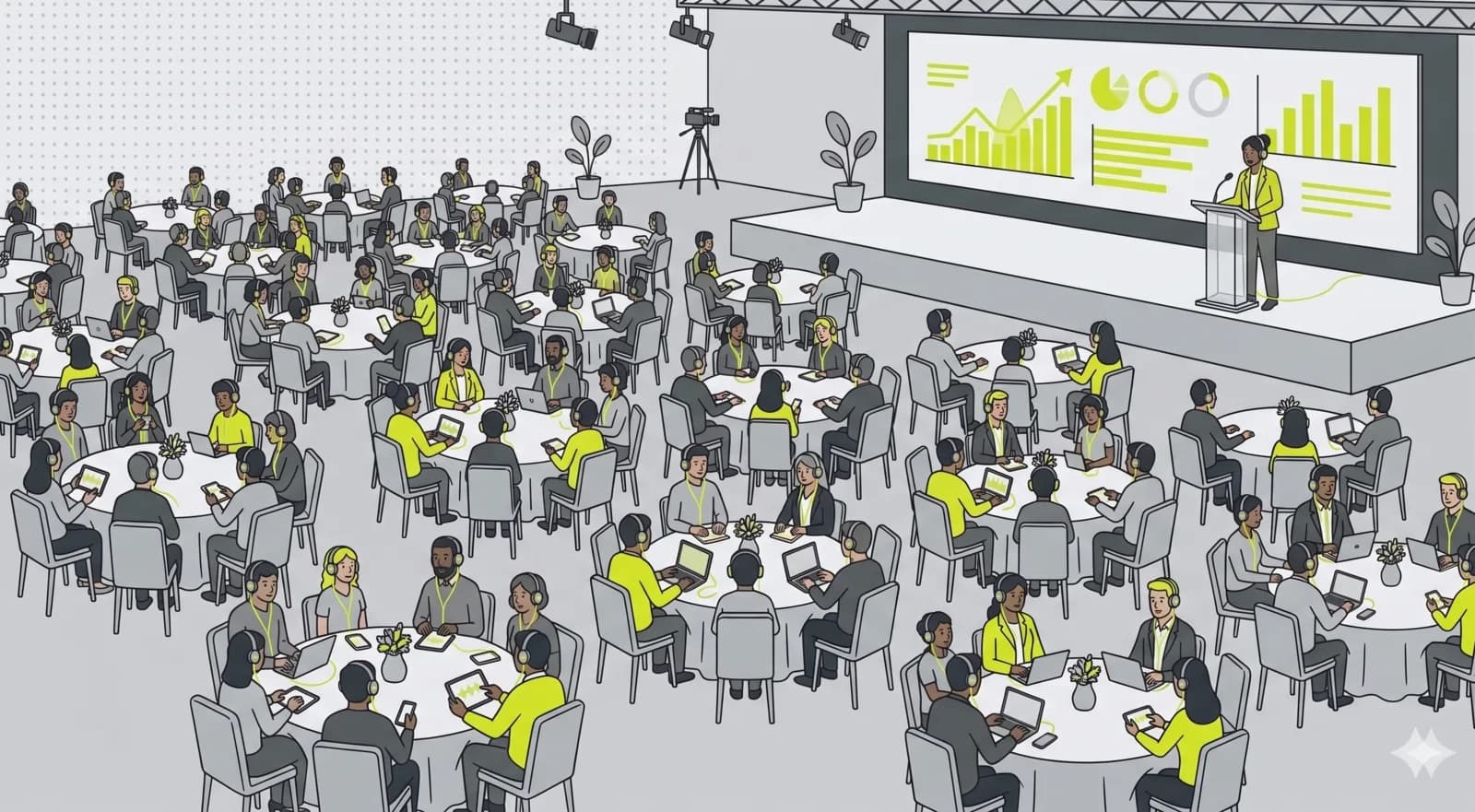
Audio over webcams. Q&A instead of reaction spam. PIN instead of an open link. The CEO talks, employees ask, you moderate live. No extra tool, no meeting fatigue.
What matters most.
Not-listed channel with PIN
Set visibility to not listed, assign a 6-digit PIN. Share it internally via Slack, email or intranet.
Moderated Q&A
Employees ask questions, pending ones stay invisible to others. You answer live: only then do question and answer become public.
Push announcements
Announce program changes, send break notes, share the slide deck link. Visible directly in every active listener's player.
Audio-only changes the meeting, not just the bandwidth.
A grid of 400 faces is not a room, and everybody in it knows they are being seen not listening. The result is the familiar all-hands where cameras go off one by one, people answer email behind the window, and the leadership team talks into a wall of initials while trying to read a room that is not there.
Taking the video away is not a downgrade so much as an admission of what was already happening. People listen while walking, while making coffee, from a phone in a car park between site visits. Attention that was being faked in front of a camera turns into attention that is actually available, and the shop floor, the warehouse and the people without a desk stop being second-class attendees.
You do give something up, and it is worth naming. You cannot read faces, so you lose the informal signal that a message landed badly. Moderated questions partly replace it, but not entirely, which is why the leadership teams that do this well treat the question queue as the room rather than as an afterthought at minute fifty.
Moderated Q&A is a political instrument, not a feature.
Pending questions stay invisible to everyone but the moderators. Mechanically that stops the pile-on, where one sharply worded question collects upvotes and sets the tone before anyone has answered anything. It also stops the quieter failure, where people do not ask at all because asking in front of 400 colleagues is a career calculation.
The same mechanism cuts the other way, and employees know it. A queue only you can see is a queue you could be burying. The way to keep it credible is not technical: say in advance how questions are chosen, take the uncomfortable one early rather than at minute fifty-five, and account for the ones you did not reach afterwards in writing.
In practice, opening Q&A a day or two before the event does most of the work. People write better questions with time, you can group the eleven versions of the same concern into one, and nobody has to compose something sharp under pressure while the CFO is still talking.
Keeping it internal means three separate decisions.
The first is the channel. Set visibility to not listed so it never appears in any public directory, and add a 6-digit PIN so a leaked URL on its own is not enough. That covers the live event.
The second is distribution. The PIN gets pasted into a chat channel, forwarded, and screenshotted, which is fine for a routine update and not fine for a restructuring announcement. For the sensitive ones, send the PIN in the same channel you use for other confidential internal comms and change it between events rather than reusing one all year.
The third, and the one people forget, is the recording. A recording outlives the meeting, gets shared with people who were not invited, and turns a sentence said carefully in context into a clip. Decide before you go live whether this one is recorded at all, and keep that decision separate from the habit of recording everything.
Video calls against audio.
How an audio townhall compares with the tools most companies reach for. The differences are less about capability than about what employees actually do during the hour.
| Criterion | OpenBooth | Video meeting | Webinar tool |
|---|---|---|---|
| What employees do | Listen while doing something | Sit in front of a camera | Watch a broadcast |
| Joining without a desk | Normal | Awkward | Possible |
| Bandwidth needed | Audio only | High | Medium |
| What IT installs | Nothing, it is a browser | A client | Usually a client |
| Employees need an account | No | Usually | Often |
| Question model | Moderated, pending hidden | Chat, visible to all | Upvoted queue |
| Access control | Not listed, plus PIN | Directory or link | Registration |
| Languages at once | Several | One | Sometimes |
| Internal archive | Built in, per channel | A video file | Yes |
| Best for | Large internal audiences | Small, interactive groups | Polished external events |
For a leadership offsite of twelve people, use video. The tradeoff described here starts paying off at the scale where nobody has their camera on anyway.
How to set it up.
- 01
Create a not-listed channel
Set visibility to not listed, assign a PIN. Share the PIN internally only and rotate it when needed.
- 02
Define hosts and speakers
Who leads (host), who joins in (speaker). CEO and department lead as host, additional voices as speakers.
- 03
Enable Q&A in advance
In studio settings, enable questions. Add reactions if you want low-friction feedback.
- 04
Run the townhall
Employees join with the PIN, questions come in, you moderate live. Send announcements when the program changes.
One all-hands, three time zones.
900 employees, half of them without a desk, and a restructuring to explain.
A manufacturing company runs a quarterly all-hands for roughly 900 people. About half work in production, on sites where there is no laptop and the nearest screen is a shared terminal. Attendance on the old video call was reliably poor, and the feedback was always the same: people on the floor could not join, and people at desks had the window open with the camera off.
The channel is created once and reused every quarter. Not listed, with a 6-digit PIN that is changed each time and sent through the same internal channel as other confidential comms. Q&A opens two days ahead, which produces 40 questions that the communications lead groups into eleven real ones.
On the day the CEO speaks from a headset in a meeting room, with the operations director joining from another site as a guest speaker. Production staff listen on their own phones with one earbud in, which they could not do with a video call. The quarter includes a restructuring announcement, so the uncomfortable question is taken fourth rather than last, and the seven questions that were not reached are answered in writing the following morning.
That session is deliberately not recorded. The three routine quarters around it are, and they sit on the same channel as an internal archive.
- Employees
- ≈900
- Without a desk
- ≈50%
- Questions ahead
- 40 → 11
- Apps to install
- 0
Common questions.
Townhall streaming on OpenBooth is one-to-many audio, not a video call. Hosts speak, employees listen and ask through a moderated Q&A, and nobody has to switch on a webcam. No grid of faces, no meeting fatigue, just a clear broadcast on a stable link.
Related use cases.
All-hands. Cleanly moderated. Internal-only.
No meeting software, no webcam pressure. Just audio, well led, with a real Q&A workflow.