Your show. Live from the browser.
Open the browser, open the studio, go. Three guests join via speak link, you balance each level in the mixer, the episode runs live on your show URL. No DAW export, no editing overhead, no Zoom workaround.
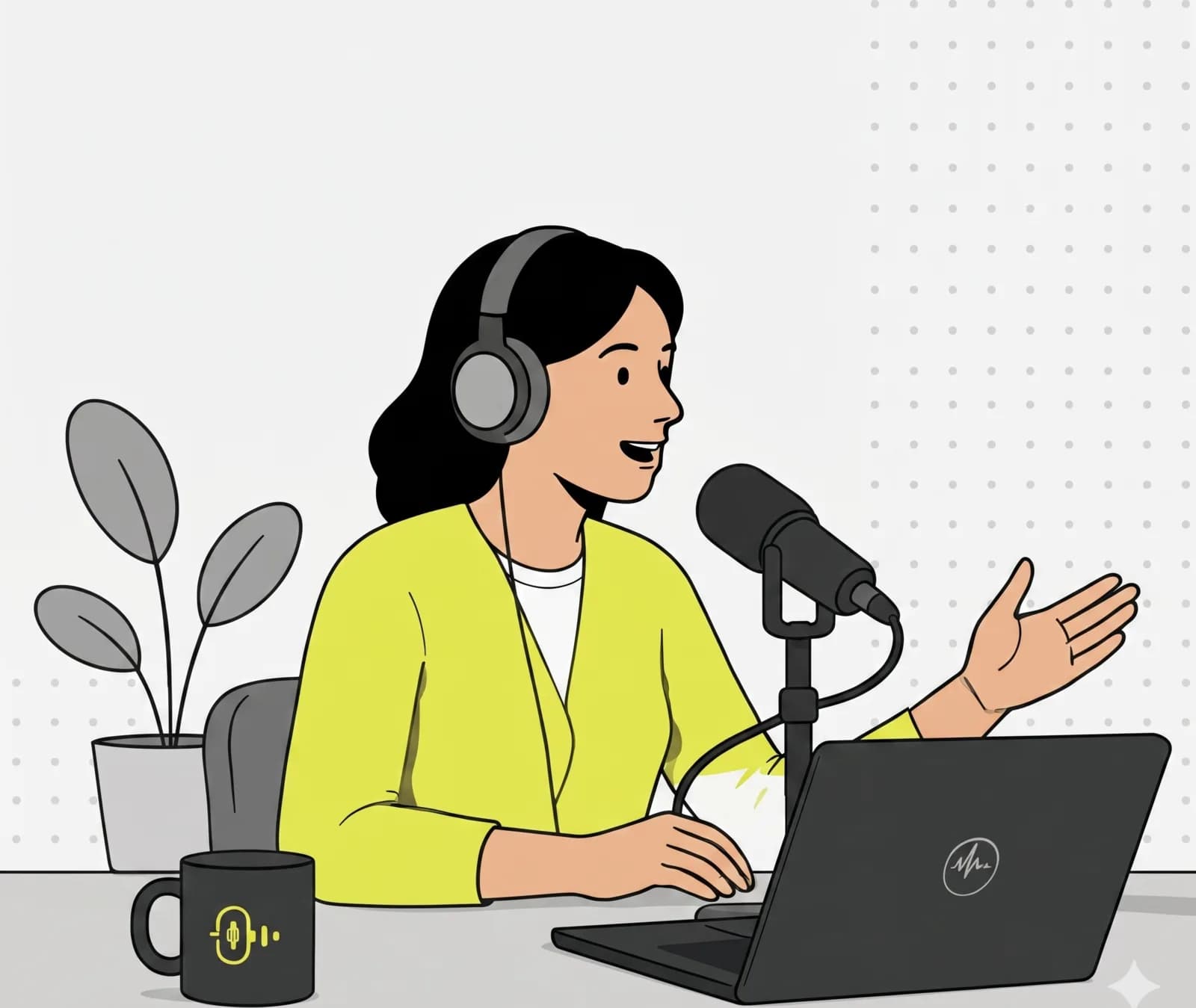
What matters most.
Studio in the browser
Pick a microphone, check levels, turn on echo cancellation. Three clicks to broadcast-ready. No drivers, no plugin.
Guests via one link
Generate a speak token, send it to your guest by DM. They click, allow the mic, and you take them on air with the mute toggle.
Permanent show URL
Listeners bookmark once. Episode 12 runs on the same URL as episode 1. Waiting screen between shows with cover and description.
Live and recorded is one pass, not two.
The usual podcast workflow has a gap in the middle. You record into something, export it, move it into an editor, cut it, bounce it out and then upload it somewhere. Every one of those steps is a place where an episode stalls, and most shows that quietly stop publishing stop somewhere in that chain rather than for lack of things to say.
Here the broadcast and the recording are the same event. You go live, people listen, and when you stop, the episode is already sitting on the channel ready to play back, download as MP3 or make public on your show page. There is no export, because nothing was ever locked inside a project file.
The honest cost of that is real: what gets recorded is the live mix, the thing that actually went out. There is no separate per-guest track waiting to rescue you from a guest who was clipping for twenty minutes. That is the trade you make for not having an edit stage, and it puts the weight on getting levels right before you start rather than fixing them afterwards.
Remote guests: the rules that actually matter.
Headphones are not a preference, they are the whole thing. A guest listening on laptop speakers sends your voice back into their microphone, and everyone hears themselves a beat late. Echo cancellation helps and it is not magic. Say it in the calendar invite, say it again when they join, and keep a spare pair in shot if you ever record in person.
The second rule is that conversation over any distance has a small delay, so the natural interruption that makes an in-person conversation feel alive lands slightly wrong. Good remote hosts leave a beat longer than feels comfortable before jumping in, and tell guests at the start that a pause is normal rather than a dropout.
Everything else is unglamorous. A wired connection beats Wi-Fi, a cheap wired headset beats expensive Bluetooth earbuds, and a guest sitting in a room with soft furniture sounds better than one in a glass-walled office. Ninety seconds of level checking before you go live prevents the problem you cannot fix afterwards.
A permanent show URL is a distribution decision.
Episode 12 runs on the same address as episode 1. Listeners bookmark once, and the link you put in a bio, a newsletter or a conference talk keeps working for the life of the show rather than pointing at one episode that ages. The channel page carries the past episodes you have made public, so someone who arrives late has somewhere to start.
The same URL embeds as a player on your own site, which matters more than it sounds. A player on your page keeps the listener where your other work is, instead of handing them to a platform whose next recommendation is somebody else's show.
For the podcast apps, the current path is manual: download the episode as MP3 and publish it through whatever host you already use for your feed. One-click publishing to providers is on the roadmap, so treat it as planned rather than something to build a launch around today.
Call and edit against going live.
How this compares with the two ways most independent shows get made. They are genuinely different trades, and which one is right depends on how much editing your show actually needs.
| Criterion | OpenBooth | Video call, recorded | Record then edit |
|---|---|---|---|
| Live audience while recording | Yes | No | No |
| What guests install | Nothing, one link | A client | Depends on setup |
| Steps before publishing | Stop the stream | Export, edit, upload | Export, edit, upload |
| Per-guest tracks to fix later | No, it is the live mix | Sometimes | Yes |
| Levels set | Before and during | Afterwards | Afterwards |
| Permanent show URL | Yes | No | Via your host |
| Past episodes on your page | Built in | No | Via your host |
| Multilingual listeners | Subtitles and translation | No | No |
| Embed on your own site | Yes | No | Usually |
| Best for | Conversational shows, live | Interviews you will cut heavily | Highly produced shows |
If your show depends on tight editing, keep your editor. This suits shows where the conversation is the product and the edit was mostly an obligation nobody enjoyed.
How to set it up.
- 01
Create a show channel
Show name, URL slug, cover image, short description. Visibility set to public, fully configured in two minutes.
- 02
Schedule the broadcast
Set date and time in the stream launcher. Optional weekday recurrence for fixed slots: Wednesday 8 pm, every week.
- 03
Invite guests
Generate a speak link per guest (default valid 7 days). Send by mail or chat. Guest clicks, allows the mic, lands in the studio.
- 04
Start the stream
Go live with one click. Fine-tune levels during the show, approve Q&A questions, push announcements. Stats available after the show.
One show, every Thursday.
Two remote guests, a live audience and no export step.
A weekly interview show, roughly an hour, usually two guests who are somewhere else. Previously it was recorded over a video call, exported, cut down over the weekend and uploaded on Monday, which in practice meant the episode went out on Tuesday, or Wednesday, or not at all during a busy month.
The show runs on one channel with a permanent URL that has been in the host's bio since episode one. Guests get a speak link by DM an hour before. They click it, allow the microphone, and are in, with nothing installed and no account created, which also means a guest who is not technical stops being a scheduling risk.
On Thursday the host checks levels for a minute and a half, starts the stream, and a few dozen regular listeners join live. The two guests are on headsets on wired connections because the invite said so. When the conversation ends, the episode is already on the channel: playable, downloadable as MP3, and made public on the show page with one action.
The host still downloads the MP3 and uploads it to their podcast host for the feed. That is the only remaining manual step, and it takes a couple of minutes rather than a weekend.
- Episode length
- ≈60 min
- Remote guests
- 2
- Editing time
- None
- Guest installs
- 0
Common questions.
Yes. Enable recordings on the channel and each live episode is captured. Hosts and admins can play back or download the recording afterwards, so you can keep an archive or publish the episode elsewhere yourself.
Related use cases.
One URL. One episode per week. One show.
Start free, set up your first channel in under a minute, run a test broadcast right away.