Every lecture. In every student's language.
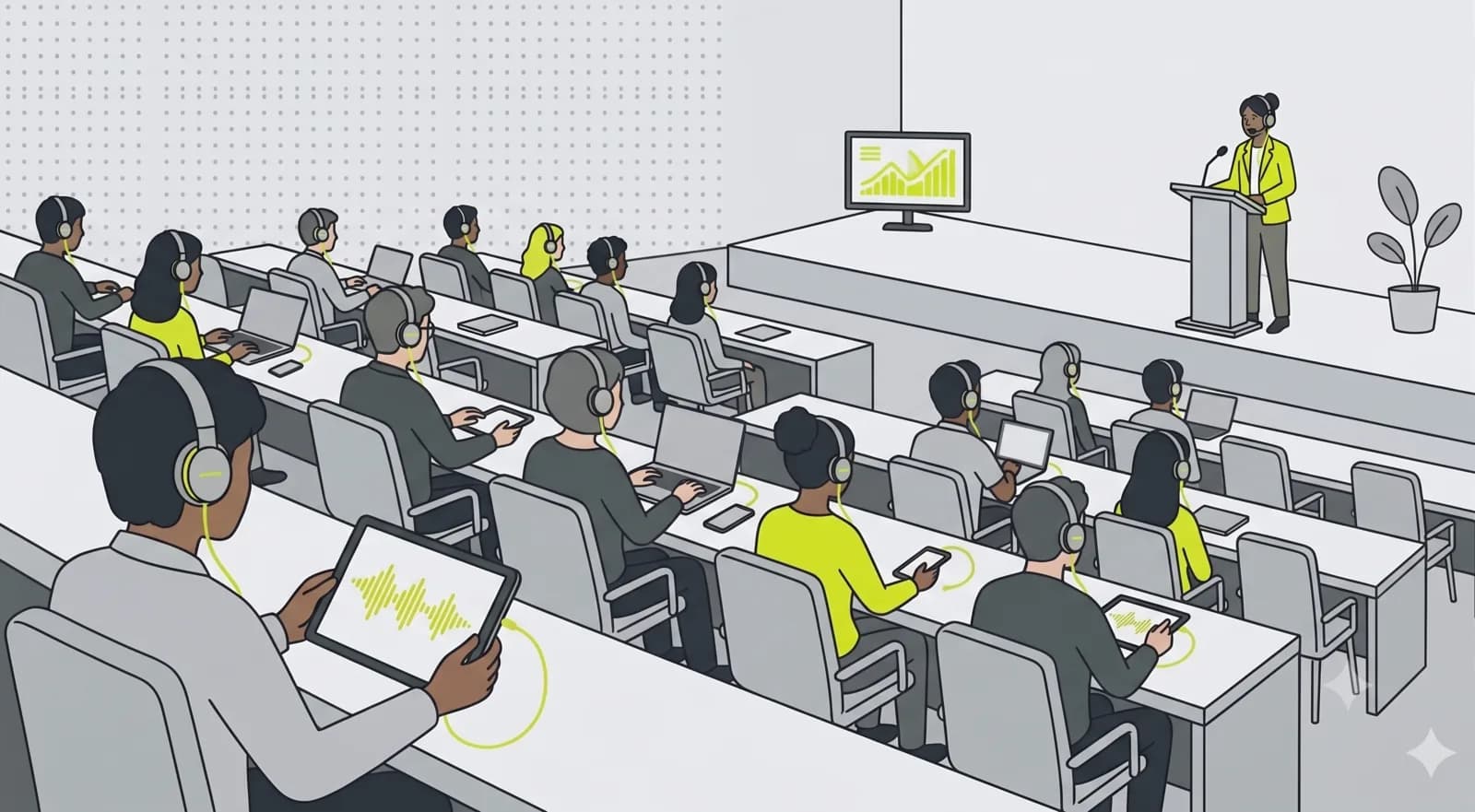
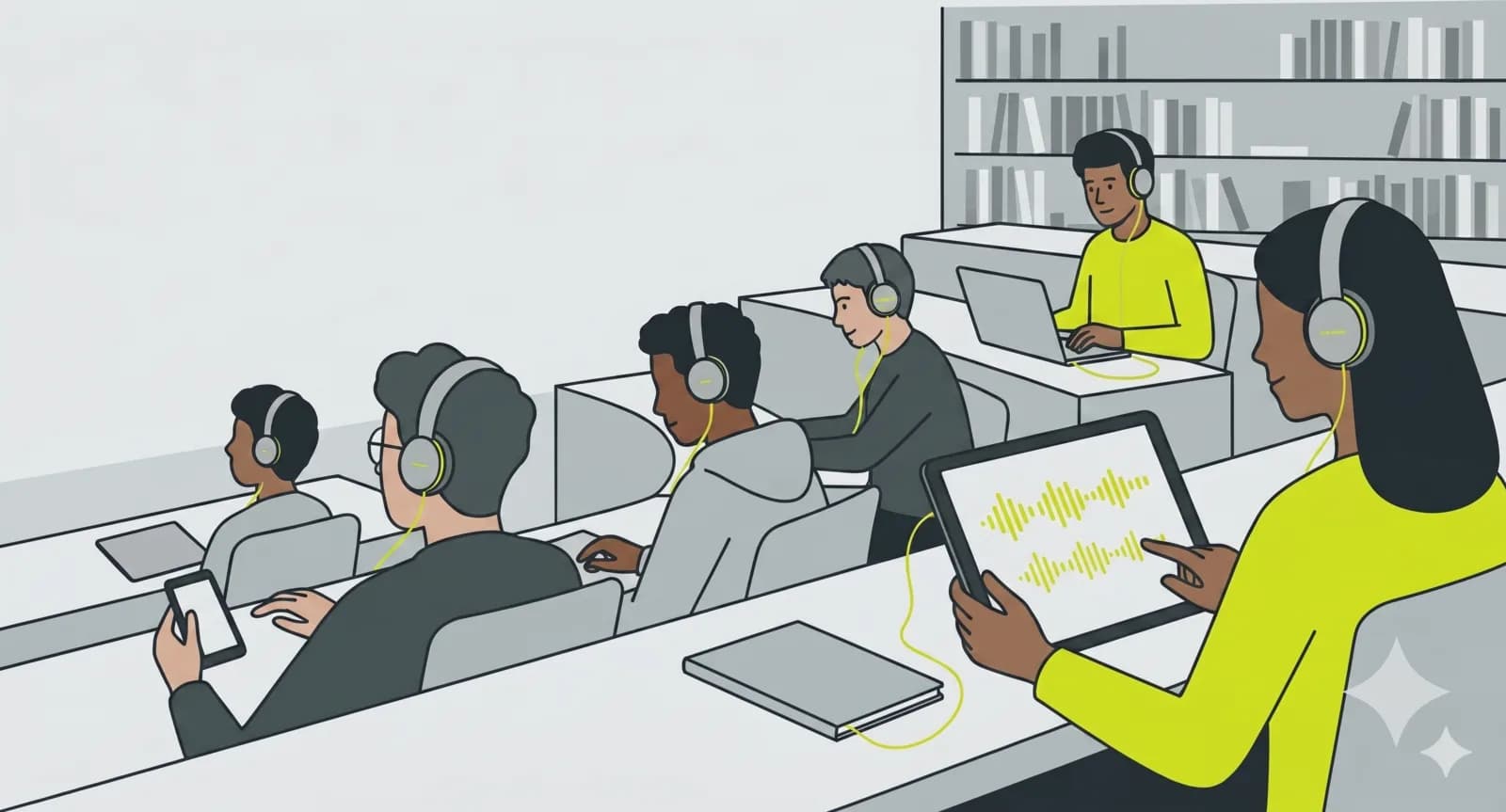
An international cohort, an exchange semester, a student who is hard of hearing, a hall where the back row barely hears. The lecture runs on one channel, and each student follows on their own device: in their language, with live subtitles or a translated voice, at their own volume. One link per course, no app, no receivers.
What matters most.
Subtitles and translation, live
The lecturer speaks, and students read live subtitles or hear a translated voice in their own language. International students follow the argument, not just the slides, and review the exact wording afterwards.
Heard in every seat
Hard-of-hearing students listen on their own phone and earbuds at their own volume, and the back row hears as clearly as the front. No induction loop, no receivers to sign out.
One channel per course
A permanent URL for the whole semester. Turn on recording and each lecture becomes a searchable archive students revisit before exams, with subtitles and translation kept alongside.
A lecture hall is a harder listening problem than it looks.
Large halls were built to carry a voice, not to make it clear. Reverberation smears consonants, the ventilation adds a low hiss nobody notices until they try to concentrate, and a lecturer who turns towards the board drops several decibels mid-sentence. In the back third of a 300-seat room, a student is doing real work just to resolve the words.
Add a second language on top and the cost compounds. A student following a lecture in a language they learned rather than grew up with spends part of their attention on decoding and has that much less left for the argument. They are not failing to understand the subject; they are running out of capacity before they get to it.
This is why listening in the ear helps people who are not registered as needing support. The signal comes from the microphone rather than from across the room, at a volume the student chooses, and subtitles catch the term they missed without them having to stop and ask. What changes is not the content but how much effort is left over for it.
Subtitles are not only an accessibility feature.
The obvious case is a student who is hard of hearing, and that alone justifies it. What happens in practice is broader: international students read along when an accent is unfamiliar, everyone reads along when a technical term appears for the first time, and students who take notes stop losing the sentence they were writing down while the lecturer moved on.
Be clear about the limits. Live subtitles work on fragments of speech, without the full context of a finished sentence, and they will occasionally mangle a specialised term the first time it appears. They are built for keeping up in the moment, not for producing a citable transcript.
Revision is where the recording earns its place. Translated after the lecture from the complete file, with full context, the result is more accurate than anything generated live, and the course channel becomes an archive students actually return to in the week before an exam.
What the room system will and will not give you.
Most halls already have a microphone and an amplifier, and most universities already have an AV or media services team who own them. What you want from them is a line-level output of the room mix into a small USB audio interface on the machine you stream from. Ask by email, ask per room, and ask before the semester rather than in the first week when every room is being reconfigured at once.
The failure everyone tries first is a laptop on the lectern picking up the room. It will appear to work in an empty hall and fall apart with 200 people in it, because what the built-in microphone hears is mostly reverberation and audience noise. A wired lapel or headset microphone on the lecturer beats it decisively, and costs very little.
One practical detail that catches people out: if the lecturer walks, they need a microphone that walks with them. A fixed lectern mic produces a recording that is clear for the first ten minutes and unusable the moment they step towards the screen.
Room systems against phones.
How this sits next to what universities already have. Lecture capture and an induction loop each solve part of the problem; this covers a different part, and they coexist well.
| Criterion | OpenBooth | Induction loop | Lecture capture |
|---|---|---|---|
| What the student uses | Own phone or laptop | Hearing aid with T-coil | A video player, later |
| Languages | Several | One | One |
| Live subtitles | Yes | No | Usually after processing |
| Works in any seat | Anywhere | Inside the loop | Not live |
| Following from home | Same link, live | No | After the lecture |
| Available for revision | Yes, with recording on | No | Yes |
| Per-room setup | A microphone feed | Structural install | Camera and rig |
| Restricting to a cohort | Not listed, plus PIN | Not applicable | Via the LMS |
| Who maintains it | Nobody, after setup | Facilities | AV team |
| Cost driver | Per plan | Per room, one-off | Per room, ongoing |
An induction loop is still the better answer for students whose hearing aid should take the signal directly. Where a loop exists, the sensible setup is to keep it and add the phone for international students, the back rows and anyone following remotely.
How to set it up.
- 01
Create a course channel
One permanent channel and URL per course or lecture series. Set it public for open lectures or not-listed with a PIN for enrolled students only.
- 02
Connect the room mic, pick languages
Plug in the lectern microphone or the room system and choose the languages your cohort needs. Clean sound comes from the source, not a laptop in row twenty.
- 03
Share the link with the cohort
Post the channel URL in your LMS or course page. Students open it on a phone or laptop, pick their language and listen, with no account to create.
- 04
Go live each lecture, or record
One click when the lecture starts. Students at home and in the hall join the same link. Record to build the semester archive automatically.
One hall, one semester.
300 seats, an exchange cohort, and a student who stopped sitting in the front row.
A second-year lecture runs weekly in a 300-seat hall. The cohort includes eighteen exchange students who arrived in September, two students registered with the disability office, and the usual number of people who simply cannot hear well from row twenty.
Setup happens in the week before term. One channel for the course, set to not listed with a 6-digit PIN posted in the LMS, so only enrolled students reach it. Media services provide a line feed from the hall's mixing desk into a small interface on the lectern machine. The lecturer swaps the fixed lectern microphone for a headset, because they pace when they explain things.
Through the semester the exchange students read English subtitles alongside the spoken German, or listen to a translated voice. One of the registered students stops sitting in the front row, which they had been doing for the sound rather than the view. Recording runs every week, so by December the channel holds the whole semester, and the pre-exam traffic on those recordings turns out to be higher than anyone expected.
Nothing structural was installed, and the AV team was asked for one thing, once, before the semester rather than during it.
- Seats
- 300
- Languages
- 2 + subtitles
- Rooms rewired
- 0
- Archive
- Full semester
Common questions.
Yes. OpenBooth transcribes the lecture live and can show real-time subtitles or play a translated voice-over. Each student picks their language on their own device, so an international cohort follows the same lecture at once.
Related use cases.
One lecture. Every student follows.
Open your lectures to international and hard-of-hearing students without a single receiver or extra app. Channel and broadcast-time limits vary by plan, see pricing for details.