The whole service. In everyone's language.
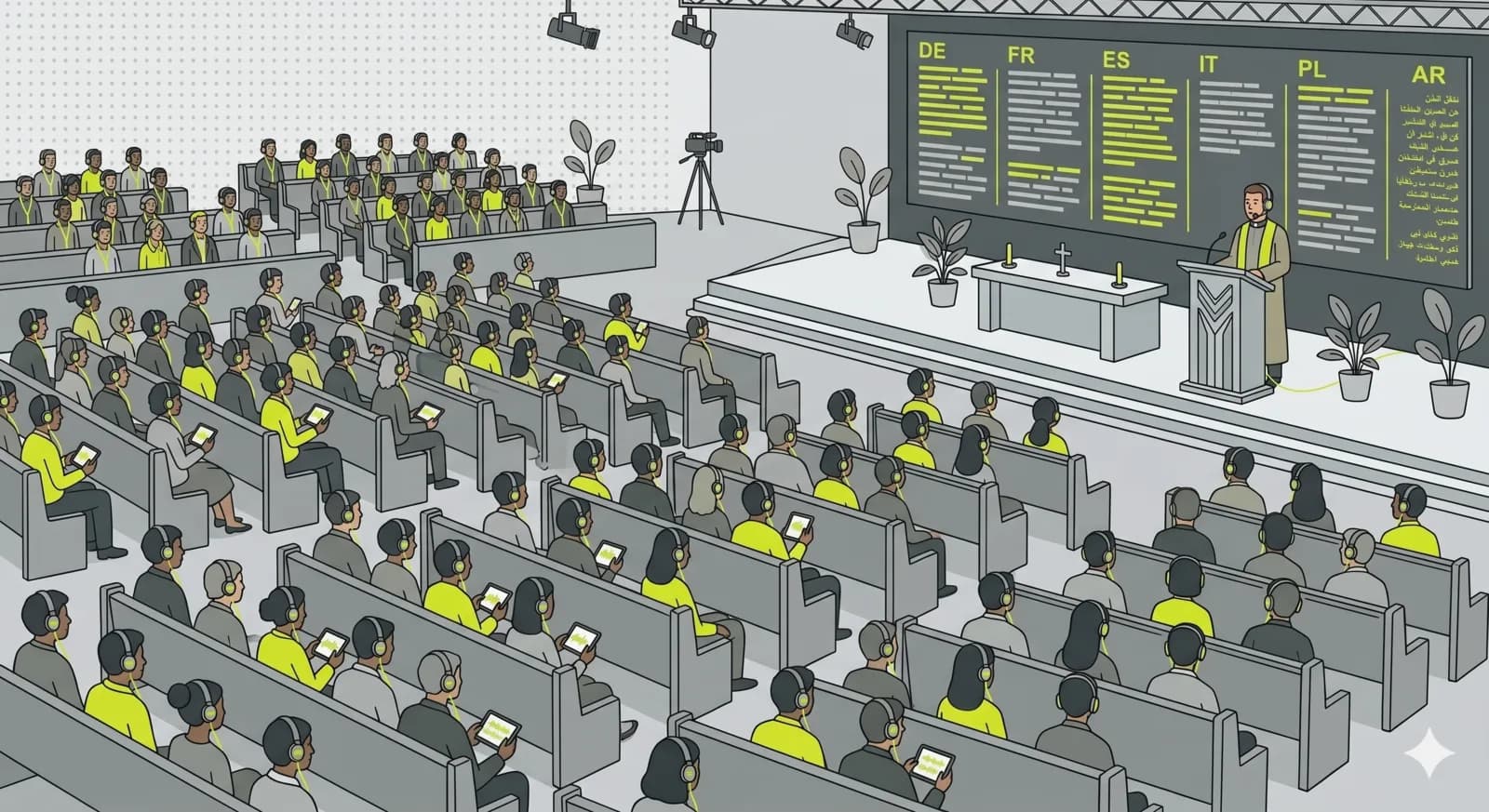
An international congregation, a guest preacher, a member who is hard of hearing. The service runs on one channel, and each person follows on their own phone: in their language, with subtitles or a translated voice, or simply clearer and louder in their own ears. No receivers to hand out, no app to install, a QR code in the bulletin is enough.
What matters most.
The sermon, translated live
You speak from the pulpit, and the congregation reads subtitles or hears a translated voice in their own language. Newcomers and international members follow every word, not just the hymns.
Clear sound, no receivers
Members who are hard of hearing listen on their own phone and earbuds, at their own volume. No FM receivers to charge, clean, hand out or replace, and no one has to ask for a device at the door.
One link, every Sunday
Share one channel URL or QR. It works before, during and after the service and stays the same week after week. Turn on recording to keep a searchable archive of past sermons.
What live translation does to a service.
The preacher speaks normally. OpenBooth transcribes continuously, translates each segment as it arrives and delivers it to the listener as subtitles, as a spoken voice, or as both at once. The audio itself runs at 48 kHz with typical latency under 50 milliseconds, and the translated version lands about a second behind the pulpit. Close enough that a listener can look up from their phone and still be with the room.
Live translation works on sentence fragments, without the full context of a finished thought. That is the trade it makes for immediacy, and for a sermon it is usually the right one, because people want to follow along now rather than read a polished text later. If you also publish sermons afterwards, translate the recording instead: from the complete file, with full context, more accurate and more complete than anything that has to decide in real time.
Most congregations do not translate everything. The readings and the sermon are where understanding matters; hymns, liturgy and silence do not need it. You can run translation only during the parts that carry meaning, which also keeps cost down, since AI features are billed on actual speech time and silence is not billed at all.
Assistive listening without a cabinet of receivers.
For decades the answer to a hard-of-hearing congregation was hardware. An FM transmitter with a set of receivers, or an induction loop laid into the floor for hearing aids with a T-coil. Both work. Both also mean somebody charges, cleans, hands out and eventually replaces devices, or maintains an installation whose coverage stops at the edge of the nave.
The phone changed that arithmetic. Almost everyone in the pew already carries a receiver with their own earbuds and their own volume control. Nothing has to be handed out, and nobody has to identify themselves as hard of hearing at the door to get a device. For a lot of members that request at the entrance is the real barrier, not the technology behind it.
This does not replace every system, and it is worth being clear about that. An induction loop feeds a hearing aid directly, with no earbuds in between, and some members prefer that or cannot use earbuds at all. If you already have a working loop, the honest answer is to run both: the loop for the people it serves, the phone for international visitors, latecomers, and anyone following from home. A basket of cheap earphones at the entrance covers guests who forgot theirs, and it still costs a fraction of a receiver set.
Where the sound has to come from.
One decision determines the quality of everything downstream: where the microphone signal comes from. Take it from the pulpit microphone or from your mixing desk. Not from a laptop standing in the back row, because what that picks up is mostly room reverb, rustling paper and the congregation itself, and transcription that starts from a muddy signal produces translation to match.
If you have a mixing desk, send a post-fader output into the streaming computer, either through a small USB audio interface or through the desk's own USB output if it has one. If you do not have a desk, a wired lapel or headset microphone plugged straight into the machine still beats an ambient pickup by a wide margin.
This is the part churches most often get wrong, and it is also the cheapest to fix. Clean input improves the result more than any setting inside the app, because every later step, transcription, translation and voice, only ever works with what the microphone handed it.
Phones against receivers.
How browser-based listening compares with the two systems most churches already know. The honest summary: a hearing loop still does one thing better, and everything else has moved to the phone in the pew.
| Criterion | OpenBooth | FM system | Hearing loop |
|---|---|---|---|
| Upfront cost | No hardware | Transmitter plus one receiver per listener | Installation in the building |
| Installation | None, runs in the browser | Set up the transmitter | Structural, one-off |
| What the listener uses | Own phone and earbuds | A receiver from the church | Own hearing aid with T-coil |
| Ongoing work | None | Charge, clean, hand out, replace | Periodic checks |
| Getting a device | Scan the QR code | Ask at the door | Automatic, nothing to ask for |
| Coverage | Anywhere with a connection | Within transmitter range | Inside the loop only |
| Languages at once | Several | One | One |
| Subtitles | Yes, on the listener's phone | No | No |
| Following from home | Same link | No | No |
| Recording and archive | Built in | Separate system | Separate system |
A hearing loop remains the better answer for members whose hearing aid should receive the signal directly, with nothing in their ears. The two combine well: keep the loop, add the phone for international visitors, guests and anyone at home.
How to set it up.
- 01
Create your church channel
Name, URL slug and logo. One permanent address for every service, set up in a few minutes.
- 02
Connect the mic, pick languages
Plug in the pulpit microphone or your mixer and choose the languages your congregation needs. Clean sound comes from the source, not a phone in the back row.
- 03
Share the QR code
Put the QR and link in the bulletin, on the screen or at the entrance. Visitors scan, pick their language and listen, no account needed.
- 04
Go live each service
One click when the service starts. Latecomers and people following from home join the same link, each in their own language.
One parish, one Sunday.
200 seats, a Ukrainian guest preacher, and an afternoon of setup.
A parish of around 200 seats invites a guest preacher who speaks Ukrainian. The congregation is mostly German-speaking, with a group of Ukrainian families who joined over the past years and a handful of members who have used the church's old FM receivers for a decade.
The setup takes one afternoon. Somebody creates a channel called Sunday service, runs a cable from the mixing desk's output into a USB audio interface on the laptop that already sits in the sound booth, and selects German, English and Ukrainian as target languages. A QR code goes into the bulletin and onto a small sign at the entrance.
On Sunday the preacher speaks Ukrainian. German-speaking members read German subtitles or listen to a German voice in their earbuds. The Ukrainian families follow the original. The members who used to collect an FM receiver now open the same link and set the volume themselves, and two people who have not attended in person since their mobility got worse follow the whole service from home. Nobody had to be handed anything at the door.
Nothing about this needs the largest plan. A church this size typically sees a few dozen people actually using the stream at once, which sits inside Pro's limits, and the sound hardware was already in the building.
- Seats
- ≈200
- Languages
- 3
- New hardware
- None
- Setup
- One afternoon
Common questions.
Yes. OpenBooth transcribes the service live and can show real-time subtitles or play a translated voice-over. Each listener picks their language on their own phone, so an international congregation follows the same service at once.
Related use cases.
One service. Everyone understands.
Reach an international and hard-of-hearing congregation without renting receivers or asking anyone to install an app. Channel and broadcast-time limits vary by plan, see pricing for details.