Four stages. One program. Audio running.
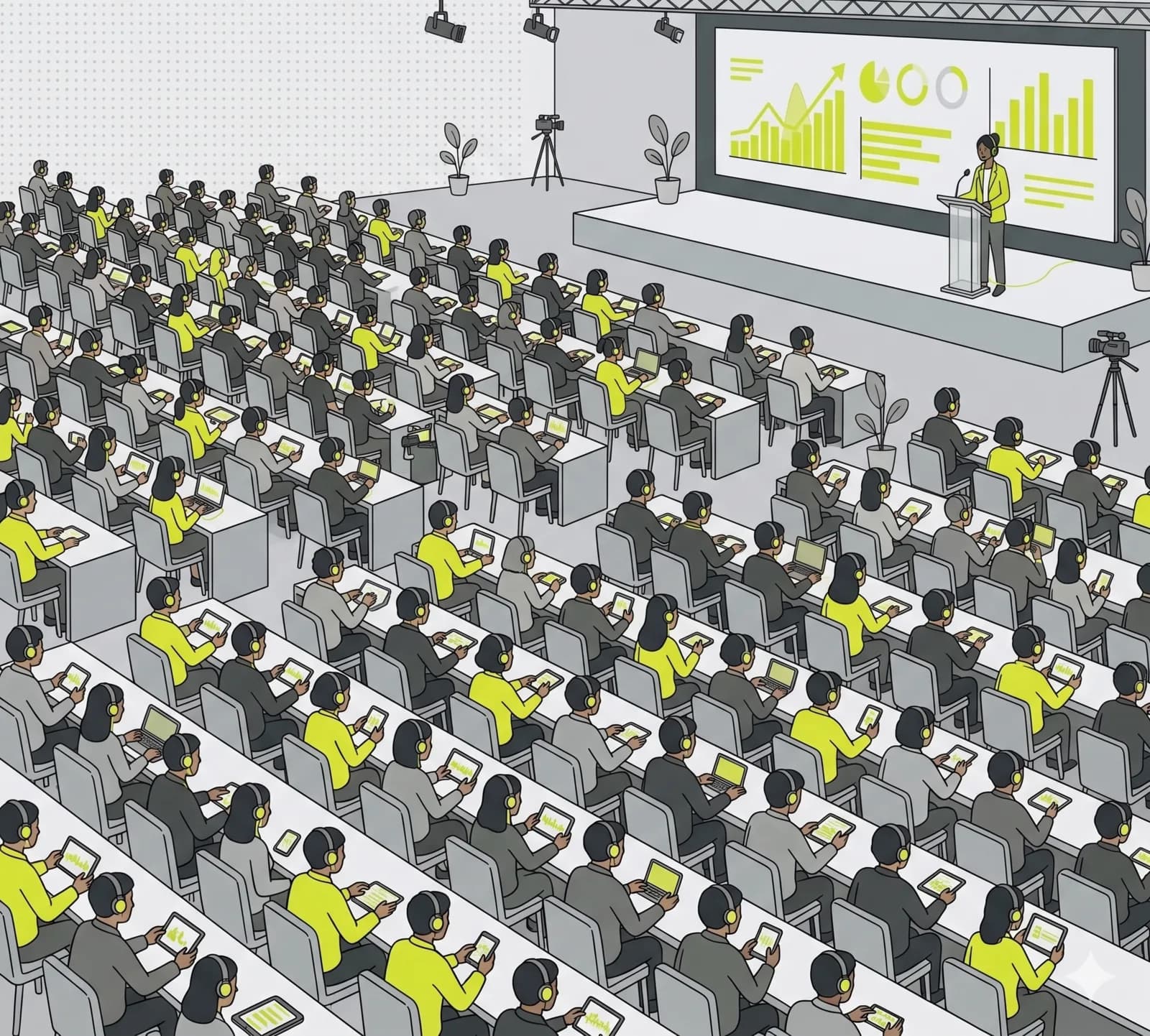
Conference with side stages, workshops and VIP rooms. Each stage is a channel, each channel a URL. Listeners switch sessions with a click, speakers stay in their room. An international audience follows every stage live in their own language, with subtitles or a translated voice.
What matters most.
Multiple rooms in parallel
Stage A, Stage B, workshop, VIP room. Each channel broadcasts independently. Listeners switch with a click.
Public or PIN-protected
Main stages open, sponsor and VIP rooms PIN-protected. Switch per channel any time.
OBS source
Embed a channel as a browser source in OBS. Combine audio with stage video and stream to YouTube or Twitch.
What a conference actually needs interpretation to do.
The traditional answer is a booth at the back of the room, two interpreters per language working in shifts, a transmitter and a crate of receivers handed out at the door. It produces excellent results and it is the right choice for high-stakes diplomacy or anything legally binding. It also has to be booked weeks ahead, priced per language per day, and physically installed in every room where it is needed.
Most conferences do not need that level of ceremony in every room. The keynote might justify it; the fourth parallel workshop on a Tuesday afternoon usually does not, which is why those rooms historically got nothing at all and international attendees simply sat through them in a language they half understood.
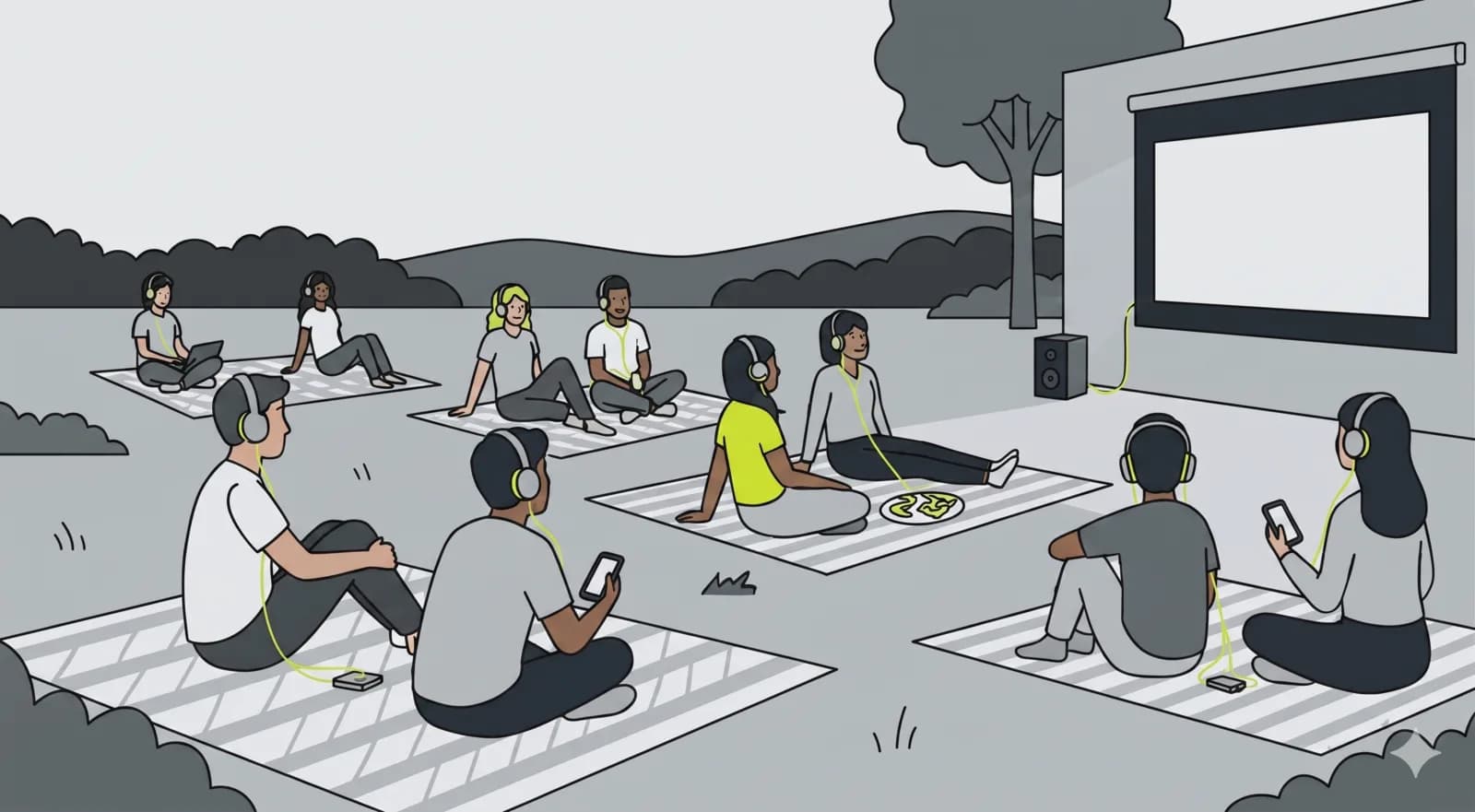
That gap is the one worth filling. Attendees open a link on the phone already in their hand, pick a language and follow, in rooms where nobody was ever going to install a booth. Adding a fifth language is a setting rather than a second booth, a second pair of interpreters and another crate of receivers.
One channel per stage, and why that mapping matters.
The structure is deliberately boring: each stage is a channel, each channel has a permanent URL and QR code, and those URLs do not change between sessions or between days. Speakers stay in their room and keep talking, and it is the audience that moves, with a click rather than a walk down a corridor.
This matters more than it sounds on a multi-track programme. An attendee who wants the first half of one session and the second half of another does not have to be physically in both rooms, and the person who arrives late to the wrong hall does not miss the talk. It also means your printed programme can carry a QR per stage and stay correct for the whole event, because nothing about the address depends on the schedule.
Channels can be public or not listed with a 6-digit PIN, so an open conference track and a closed partner session can run side by side on the same event without the second one appearing in any directory.
Sound at a venue is a different problem from sound in an office.
In an office you plug in a microphone. At a venue there is already a full audio system, an AV supplier who owns it, and a signal path you do not control. What you need from them is simple and worth asking for in writing well before the day: a line-level feed of the room mix, usually a post-fader output from the desk, into a small USB audio interface on the machine that streams.
Ask for it early, because on the day the AV crew is busy and a request that sounds trivial to you may mean rerouting an output they had planned for something else. Ask per room, not per event, since parallel stages usually mean separate desks and separate crews.
Then test in the actual room, with the actual microphones, before the doors open. The failure mode is almost never the platform: it is a feed nobody checked, a mute left on a channel strip, or a lapel mic that was swapped between the rehearsal and the session.
Booths against browsers.
How this compares with the two ways conferences usually handle more than one language. These are different tools rather than direct substitutes, and plenty of events end up using both.
| Criterion | OpenBooth | Booths and receivers | Video platform |
|---|---|---|---|
| Lead time | Same day | Weeks | Days |
| On site | Nothing | Booth, desk, receivers | Nothing |
| Adding a language late | A setting | New booth and team | Depends on contract |
| Cost driver | Per plan | Per language, per day | Per seat |
| What attendees use | Own phone, no app | A receiver at the door | The platform app |
| Parallel stages | One channel per stage | One rig per room | One meeting per room |
| Attendees at home | Same link | No | Yes |
| Subtitles | Yes | No | Sometimes |
| Recording per stage | Built in | Separate system | Yes |
| Best suited to | Rooms that would get nothing | Binding, high-stakes sessions | Fully remote events |
For legally binding proceedings, book human interpreters. A practical hybrid is booths on the main stage and browser-based translation everywhere else, which is where the unserved audience usually is.
How to set it up.
- 01
Create channels per stage
Stage A, Stage B, workshop, VIP. Each stage gets its own permanent URL and visibility setting.
- 02
Assign speakers and hosts
Per channel host (leads) and speaker (joins). External speakers via token link, default valid 7 days.
- 03
Schedule sessions ahead
Add broadcast slots per channel. Listeners see a program in the waiting screen. Optional weekday recurrence for multi-day events.
- 04
Send listeners to URLs
Program overview with all channels, listeners switch sessions. Org embed for the conference website.
Two days, four stages.
A conference of 600, five languages, and a programme that stayed correct.
An industry conference runs two days across four rooms: a main stage, two parallel tracks and a workshop room. Roughly 600 attendees, of whom a third are international. Previously only the main stage had interpretation, booked for two languages, and the parallel tracks ran in English only.
Setup happens the week before. Four channels, one per room, each with a permanent URL and a QR code that goes into the printed programme and onto the door sign of each room. The AV supplier is asked, by email and ten days ahead, for a post-fader line feed per room into a small interface on the laptop already running slides.
On the day, attendees scan the QR for whichever room they are in and pick from five languages. The workshop room, which has never had interpretation of any kind, now has it. Two speakers who cancelled travel present remotely and are patched in as guest speakers without changing any of the URLs already printed in the programme. Recording is on for all four channels, so the sessions become an archive the organisers publish afterwards.
The main stage keeps its booth and its two human interpreters. That was the right call for the keynote, and it never competed with what was running in the other three rooms.
- Stages
- 4
- Languages
- 5
- Attendees
- ≈600
- Receivers issued
- 0
Common questions.
Yes. At trade fairs, congresses and conferences, visitors hear the talk on their own phone in their language, with live subtitles or a translated voice-over. It replaces a classic interpretation or tour-guide system with radio receivers: no hardware rental, no app install, a QR code is enough.
Related use cases.
Program in. Live stages out.
Set up your event in under an hour. All channels, speakers and URLs on one platform.